
Best Free AI Video Generators in 2026: Real Free Plans vs Free Trials
Toolshub Editorial Team · · 11 min read
No hosted AI video generator is unlimited and free. What you get is either a recurring free allowance (daily or monthly credits that refresh) or a free trial (a one-time pool of credits or a short time window).
Short answer
Short answer: No hosted AI video generator is unlimited and free. What you get is either a recurring free allowance (daily or monthly credits that refresh) or a free trial (a one-time pool of credits or a short time window). In October 2026, the best recurring free options are Google Flow, Kling, Dreamina (Seedance) and PixVerse. Runway and D-ID are trials. If you want no credits at all, run an open-source model like Wan 2.2 on your own computer.
How we compared: We did not hands-on test every tool. This guide compiles each vendor's published free-plan terms and recent third-party reviews as of October 2026. Where sources disagree, we say so. Free plans change often, so check each tool's own pricing page before you rely on it.
Key Takeaways
- Real free means credits that refresh (daily or monthly). Free trial means a one-time balance that runs out.
- Daily credits expire. Most daily free credits do not roll over, so unused credits are lost.
- Watermarks are the norm. Most free exports carry a visible watermark, and some free tiers cap resolution at 480p or 720p.
- Clips are short. Expect roughly 4 to 10 seconds per clip on free plans.
- Commercial use is the biggest trap. Several free plans allow personal or test use only. Read the terms before you post client or brand work.
- Open source is the only truly unlimited route, but you need a capable GPU.
Free Plan vs Free Trial: What's the Difference?
| Genuinely free plan | Free trial | |
|---|---|---|
| How it works | Credits refresh daily or monthly | One-time credits or a time-limited window |
| Can you use it every day? | Yes, within the cap | No, it runs out |
| Examples (Oct 2026) | Google Flow, Kling, Dreamina, PixVerse | Runway (one-time credits), D-ID (14-day trial) |
| Best for | Learning a tool, regular small experiments | Testing quality before paying |
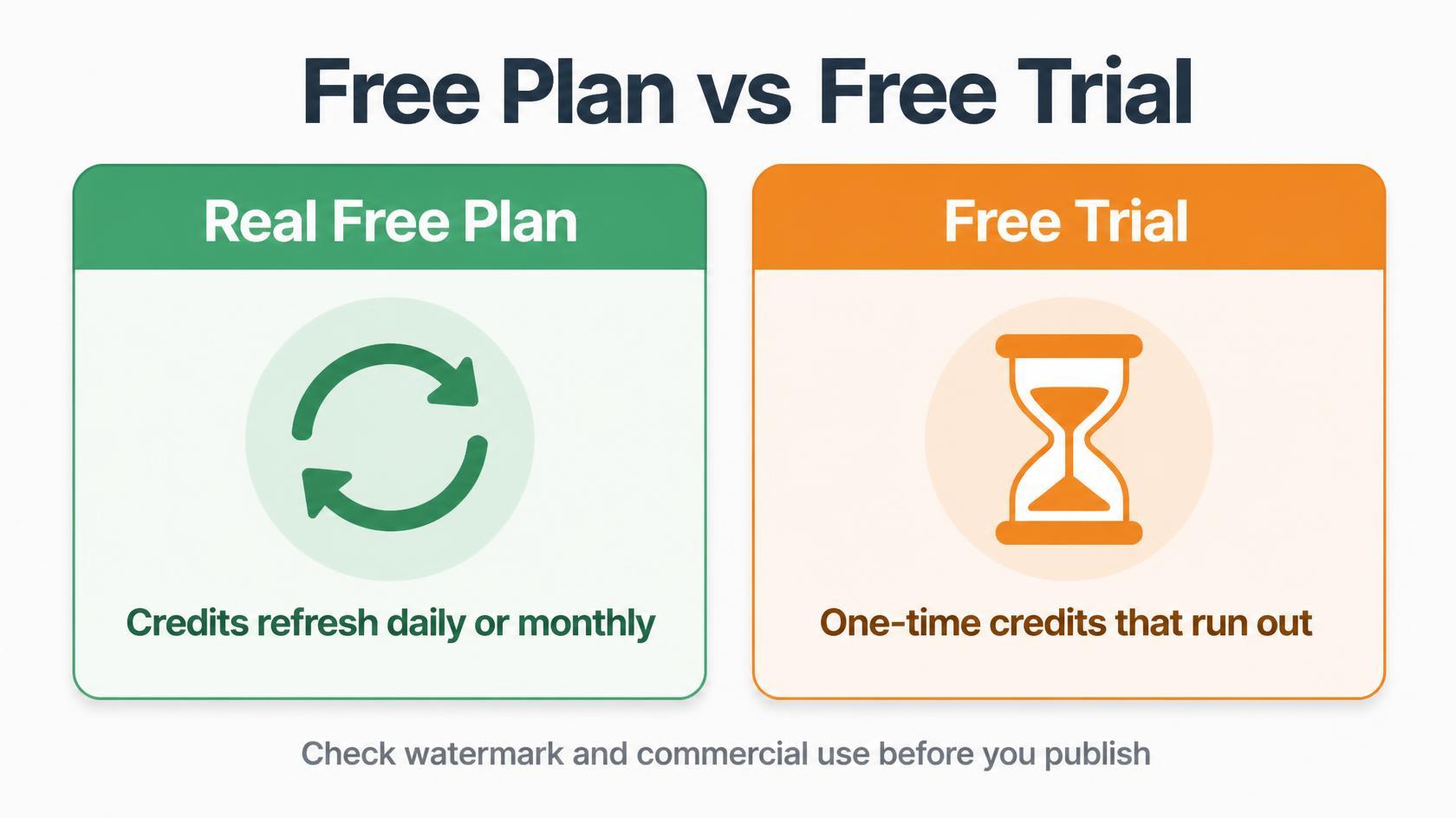
Some tools sit in between. A few offer a free plan that is so small it behaves like a trial, such as a tiny monthly credit pool that covers only a couple of clips.
Free AI Video Generators Compared (October 2026)
| Tool | Type | Free allowance | Refresh or expiry | Watermark on free | Commercial use on free |
|---|---|---|---|---|---|
| Google Flow (Veo 3.1) | Real free | 50 credits per day | Daily; unused credits do not roll over | Invisible SynthID mark; check for a visible mark | Check Google's terms |
| Kling | Real free | About 66 credits per day | Daily; unused credits vanish | Yes | No, testing and personal use only |
| Dreamina (Seedance) | Real free | Daily credits (Dreamina cites 120 per day; reports vary) | Daily; credits expire | Reported on free output; check your export screen | Terms vary by plan and model |
| PixVerse | Real free | Daily credits (one comparison cites 60 per day) | Daily reset; unused credits expire | Yes, with capped resolution | Check terms |
| Pika | Small free plan | Reports conflict (see below) | Varies | Reported, with 480p cap | Sources conflict |
| Runway | Free trial | 125 credits, one time | No refresh; credits do not expire | Yes | Check terms |
| Luma Dream Machine | Limited free | Limited draft-resolution use | Varies | Yes | Personal use only, per its help article |
These figures come from vendor pages and recent reviews, and several change monthly. Treat them as a starting point and confirm on each pricing page.
Daily and Monthly Credits: How Long Do They Last?
Credits are the real currency. A single clip can cost anywhere from a few credits to the entire daily allowance, depending on the model, length, and resolution.
Google Flow. Anyone without a Google AI Plus, Pro or Ultra plan gets 50 Flow credits per day. They work only with Veo 3.1 Lite, Fast and Quality, and unused credits do not roll over. If you upgrade to a paid plan, the remaining free credits are forfeited. Third-party guides report that Lite costs about 10 credits and Fast about 20 per generation, while Quality costs about 100, which puts it out of reach on the free allowance. Some reviews also report that free users can be blocked from video generation at peak hours, and Google says users must be 18 or older in a supported region.
Kling. The free plan gives about 66 credits a day. They reset daily and unused credits disappear. In practice that is a small number of 5-second clips at 720p.
Dreamina and Seedance. Dreamina advertises free daily credits for images and video. Its own comparison pages cite a baseline of 120 daily credits, while other reviews quote different numbers and report that earned credits expire after a few days. Because the numbers differ by source, region and account, check your account's credit panel.
PixVerse. PixVerse refreshes credits daily. One recent comparison cites 60 daily credits resetting at 00:00 UTC, with unused credits expiring.
Runway. The free plan is a one-time grant of 125 credits with no monthly refresh. The credits do not expire, but once you spend them, free generation is over. Free output has a watermark and access to fewer models.
Pika. Reports on Pika's free Basic plan disagree. Some list 80 monthly credits at 480p. Pika's own pricing page, as captured in one search result, describes a starting balance followed by a small daily refill. Confirm the current plan on pika.art/pricing before you plan around it.
Watermark, Video Quality and Clip Duration
- Watermarks: Kling, PixVerse, Runway and Luma add a visible watermark on free exports according to recent reviews. Google marks Flow videos with SynthID, an invisible watermark meant for AI detection. Even “no watermark” claims on some free plans vary by review, so look at your own export before you publish.
- Resolution: Free tiers often cap output at 480p to 720p. Kling's free clips are commonly 720p, and Pika's free tier is reported at 480p.
- Duration: Most free clips run about 4 to 8 seconds, with some tools reaching 10 seconds. Google's Veo 3.1 Lite and Fast generations run 4, 6 or 8 seconds.
- Queues: Free users often wait longer than paid users, and some tools slow or pause free generation at busy times.
If you need clips longer than 10 seconds, plan to stitch several short generations together in an editor.
Commercial Use: The Part Most Guides Skip
“Free to use” does not mean “free to use for business.” Here is what the sources say.
- Kling: Free output is described as for testing and personal use. Commercial rights need a paid plan.
- Luma: Its help article is reported to limit free use to personal use.
- Pika: Sources conflict on whether the free plan includes commercial rights. Do not assume it does.
- Google, Runway, Dreamina, PixVerse: Commercial rights depend on plan, region and model, and the published wording changes. Read the current terms for your plan.
- Open-source models: The license decides. Wan 2.2 is Apache 2.0, which permits commercial use.
If the clip will appear in an ad, a client project or a monetized channel, paying for one month on the tool you chose is usually cheaper than a rights problem later. This is general information, not legal advice.
Best Free Tools by Type
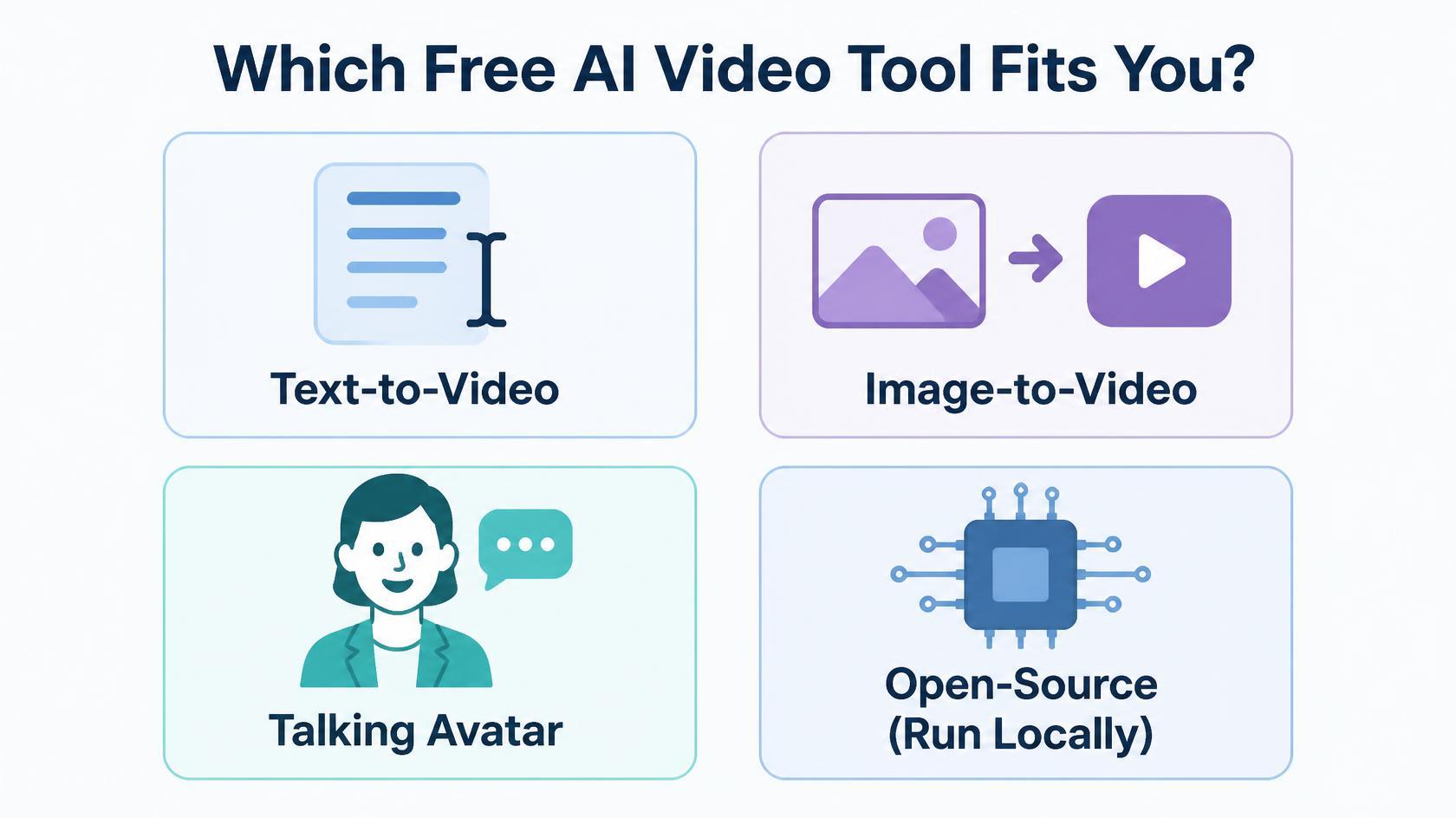
Text-to-video
These turn a written prompt into a clip. Google Flow is the strongest free option for quality, since it runs Google's Veo models with a daily allowance. Kling and Dreamina are the other main recurring options, and PixVerse suits stylized, effect-driven clips.
Image-to-video
These animate a still image. Kling, Dreamina, PixVerse and Pika all offer image-to-video. Runway supports it with its Gen-4 Turbo model on the trial credits. Image-to-video gives you more control over the look, so start with a strong image. You can generate one first with the free AI image tools on Toolshub.
Talking-avatar tools
These create a presenter who speaks your script. They are more limited on free plans.
- HeyGen: Has a permanent free plan, but it is small. Reviews report a few watermarked 720p videos per month, with the exact number varying by region.
- Synthesia: Reports conflict. Synthesia's own July 2026 pricing is reported to list a free plan of about 10 video minutes per month, while another recent guide describes a one-time 3-video trial. Check the current plan before you rely on it.
- D-ID: A free trial, not a plan. Reviews describe a 14-day trial with about 3 minutes of video.
For most avatar tools, expect a watermark on every free export.
Free Open-Source Alternatives
If you want no credit limits and no watermark, run a model on your own hardware. You trade convenience for control. The catch is hardware: video models need a graphics card with plenty of VRAM, and setup takes some technical comfort.
| Model | License | Commercial use | Hardware notes |
|---|---|---|---|
| Wan 2.2 (Alibaba) | Apache 2.0 | Yes, no revenue cap | The 5B version can run on around 8 GB of VRAM in quantized form; the 14B version needs about 24 GB |
| LTX-2 family (Lightricks) | LTX community license | Free for companies under $10M annual revenue; paid license above that | Roughly 18 to 20 GB of VRAM quantized, per one guide |
| HunyuanVideo 1.5 (Tencent) | Tencent Hunyuan Community License | Restricted; one guide says it excludes users in the EU, UK and South Korea | Higher VRAM; often run on a cloud GPU |
| Mochi 1 and CogVideoX-2B | Apache 2.0 | Yes | Mochi 1 is large; CogVideoX-2B is lighter |
For most people starting out, Wan 2.2 is the simplest recommendation because of its license and its smaller variant that runs on consumer cards. If you don't own a GPU, renting a cloud GPU by the hour is a middle path, though that is no longer free.
Which Free Option Should You Choose?
| If you want... | Try |
|---|---|
| The best quality from a free daily allowance | Google Flow |
| Realistic motion for short clips | Kling |
| Daily credits across image and video in one app | Dreamina |
| Stylized or effect-driven clips | PixVerse |
| To test a professional toolset once | Runway (one-time credits) |
| A talking presenter from a script | HeyGen's free plan |
| No watermark and no credit limits | Wan 2.2 on your own GPU |
Tips to Stretch Free Credits
- Write the prompt first. Draft your prompt and shot idea before you generate, since failed attempts burn credits.
- Start with the cheapest model. Use a lighter model such as Veo 3.1 Lite to find a direction, then spend credits on a better model only for the final shot.
- Use image-to-video. A good starting image reduces rerolls.
- Generate short clips. Shorter clips cost fewer credits, and you can stitch them later.
- Use daily credits every day. They expire, so a small daily habit beats saving them.
Need help drafting prompts? Try the AI assistants in our tools directory.
Frequently Asked Questions
Is there a completely free AI video generator with no watermark?
Not among hosted tools, in the sources we reviewed. Most hosted free tiers add a visible watermark. Open-source models such as Wan 2.2, which you run locally, add none.
What is the best free AI video generator in 2026?
It depends on your goal. Google Flow is a strong pick for quality with a daily allowance, Kling for realistic short clips, and Wan 2.2 if you want no limits and have the hardware.
Do free AI video credits expire?
Often, yes. Daily credits on Google Flow, Kling and PixVerse do not roll over. Runway's one-time credits do not expire, but they do not refresh either.
Can I use free AI video clips commercially?
Only if the plan's terms say so. Several free plans, including Kling's, are described as personal or testing use only. Check the current terms for the exact plan.
Is Runway free?
Runway has a free plan, but it is effectively a trial: 125 one-time credits with a watermark and limited models.
Which tool is best for talking avatars?
HeyGen has a permanent free plan, though it is small and watermarked. D-ID is a short trial.
Final Verdict
Treat free AI video as a way to learn and test, not a production pipeline. Google Flow, Kling, Dreamina and PixVerse give you recurring credits worth using every day. Runway and D-ID are trials. Wan 2.2 is the answer if you want no limits and own the hardware. Whatever you choose, check the watermark and the commercial terms before you publish anything.
Sources
- Google Flow credits help page (Google), free daily credits and rules
- Pika pricing (Pika), free plan terms
- Dreamina (CapCut), free daily credits
- HeyGen and PixVerse, vendor sites
- Recent third-party reviews of Runway, Kling, Luma, Synthesia, D-ID and open-source video models, October 2026
Figures marked as reported come from third-party reviews and may be out of date. Confirm each tool's current free plan, watermark and commercial terms before you rely on them.
Looking for more AI helpers? Explore the free AI tools, writing tools, and developer utilities on SmartTools Hub.